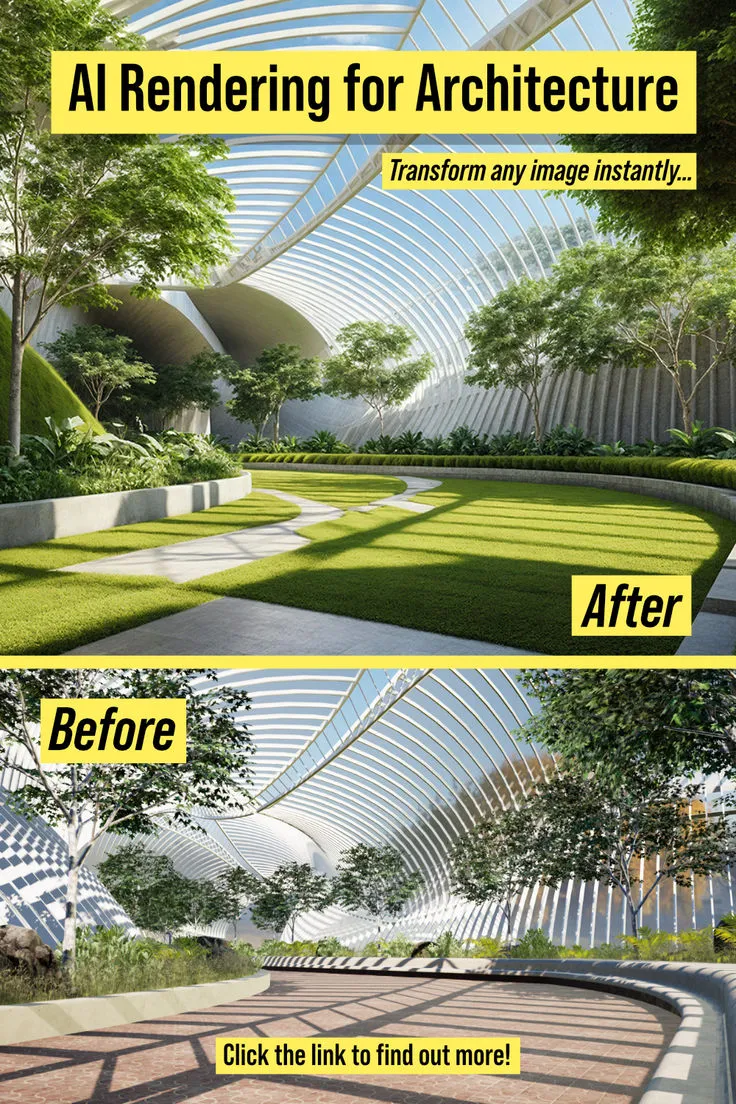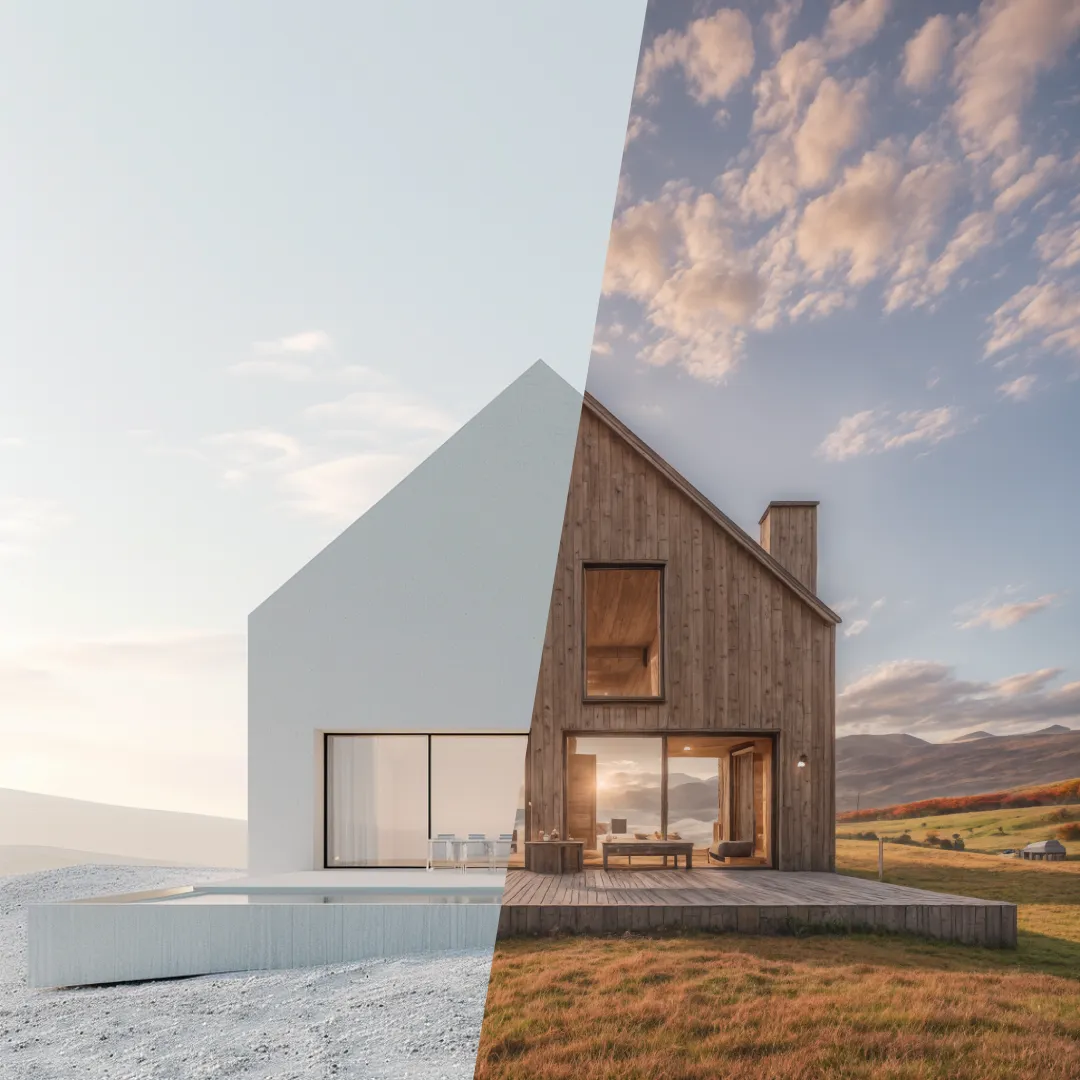

Rendering used to create a natural pause in a project. A designer set up the scene, waited for an output, found a problem, made a change, and rendered again. Faster tools have shortened that loop dramatically. An AI render can now be useful much earlier, sometimes from a rough model, sketch, or photograph. That changes the pace of design work, but speed only becomes an advantage when the team knows what it wants to learn from each round.
Without that discipline, rapid rendering can create a new kind of delay. Teams generate too many versions, clients compare details that were never meant to be final, and the project spends days circling visual possibilities. The technology has removed waiting time, but it has not removed the need to decide. In some ways, it makes decision-making more important because the number of plausible options can grow so quickly.
Use the First Render as a Diagnostic
The first image does not need to be good. It needs to be informative. A rough render can expose a camera problem, an overbearing material, a room that feels darker than expected, or a furniture arrangement that looked fine in plan but feels crowded in perspective. If the team treats that image as a diagnostic, there is less pressure to style it and more attention on what should change.
An AI rendering tool is particularly useful for this kind of fast check because the cost of trying another direction is low. The team can test a lighter ceiling, shift the mood, or compare a different finish without rebuilding the whole presentation. The point is not to collect options. It is to identify which variable is causing the problem.
Change One Thing at a Time
When everything changes between two images, comparison becomes difficult. A client may prefer the second option but have no idea whether they responded to the wall color, the lighting, the furniture, or the camera angle. Designers can get much better feedback by controlling the variation. Keep the view stable and change the material. Keep the material stable and change the light. The reason for the preference becomes visible.
This method feels slower than asking software for ten completely different rooms, but it usually speeds up the actual decision. The project learns something from each test. It also gives the team a record of how the scheme developed, which can be useful when a client later asks why a particular direction was chosen.
Do Not Confuse Novelty With Quality
AI can produce unexpected ideas, and that can be genuinely useful. A material combination or decorative approach may appear that the team had not considered. But novelty is not the same as suitability. The designer still has to check whether the idea belongs in this project, for this client, in this building, at this budget. A surprising image is a prompt for thought, not a reason to abandon the brief.
This is one area where professional experience becomes more valuable, not less. The faster the software can suggest alternatives, the more important it is to filter them. A strong designer can look at an appealing result and notice the practical problem hiding inside it. That ability protects the project from following the most visually exciting option simply because it was easy to generate.
Keep the Existing Workflow Intact
Most studios already have working methods for drawings, models, schedules, and client approvals. Introducing a new visualization tool should not force the team to rebuild all of that. The easiest adoption usually happens when the new step accepts material the studio already produces a screenshot, model export, sketch, photo, or moodboard and returns something that can be used in the normal presentation process.
dsgnr follows that kind of logic by focusing on AI-assisted visualization and image editing around existing project inputs. It can be useful for quick studies while CAD and modeling software continue to handle precision. That separation keeps the workflow understandable. The team gains a faster visual loop without handing technical responsibility to a tool that was not designed for it.
Set a Finish Line for Exploration
Fast iteration needs an endpoint. A simple rule might be three purposeful options, one internal review, then two choices for the client. Another team may work differently, but the principle is the same: exploration should end when the project has enough information to decide. More images after that point often create doubt rather than confidence.
It also helps to archive rejected directions instead of keeping them in the main presentation folder. Designers need access to the history, but clients and project leads need clarity about what is current. Separating exploration from approval makes the visual workflow easier to manage, particularly on long projects where old images can resurface months later.
Compare the Result With the Brief, Not the Previous Image
Rapid iteration creates a subtle trap: the team starts judging each new image against the one before it. Version six is warmer than version five, version seven has better furniture, and version eight has nicer light. After enough rounds, everyone can forget the original brief. A simple reset helps. Put the latest option beside the client priorities and ask whether it still solves them. The answer may be less flattering than comparing it only with an earlier render.
This matters because visual improvement and design improvement are not always the same thing. An image can become more sophisticated while the room drifts away from the client’s needs. Returning to the brief keeps speed from steering the project. It reminds the team that the purpose of each iteration is not to make a prettier picture; it is to make a better-informed design decision.
Conclusion
Faster rendering can improve design work because it lets teams ask visual questions earlier and more often. It can expose problems, compare materials, and support client conversations before large amounts of time are invested in a single direction. That is a meaningful advantage, especially when deadlines are tight.
The benefit disappears if speed turns into uncontrolled option-making. Good use of AI-assisted rendering still relies on a clear question, controlled comparison, professional filtering, and a defined point where exploration stops. When those habits are in place, the faster render loop does more than save waiting time. It helps the team make decisions with better information.